


The JAC Jharkhand Board 10th Result 2026 has been officially declared by the Jharkhand Academic Council. Students who appeared for the Class 10 Matric Board Examination can now check their results online using their Roll Number and Roll Code through the official result portal.
Students can also download their provisional marksheet online and later collect the original marksheet from their respective schools. The board has advised students to use only official websites and avoid fake result notices shared on social media.
In this article, you will get complete details about JAC 10th Result 2026 Direct Link, result checking process, marksheet download, passing marks, topper list, revaluation, compartment exam, and Class 11 admission guidance.
JAC Jharkhand Board 10th Result 2026 Overview
| Particular | Details |
|---|---|
| Board Name | Jharkhand Academic Council |
| Exam Name | JAC Class 10th Board Examination 2026 |
| Class | 10th / Matric |
| Academic Session | 2025–26 |
| Exam Dates | February to March 2026 |
| Result Status | Released |
| Result Mode | Online |
| Credentials Required | Roll Number + Roll Code |
| Official Result Website | jacresults.com |
| Official Website | jac.jharkhand.gov.in |
| Marksheet Status | Available Online (Provisional) |
| Original Marksheet | Available Through School |
JAC 10th Result 2026 Direct Link
Students can now check their results through the official portals released by the board. It is recommended to keep the admit card ready before checking the result to avoid any mistakes while entering credentials.
Important Links
| Action | Link |
|---|---|
| Check JAC 10th Result 2026 | Official Result Portal |
| Download Online Marksheet | DigiLocker |
| Official Website | jac.jharkhand.gov.in |
| Result Portal | jacresults.com |
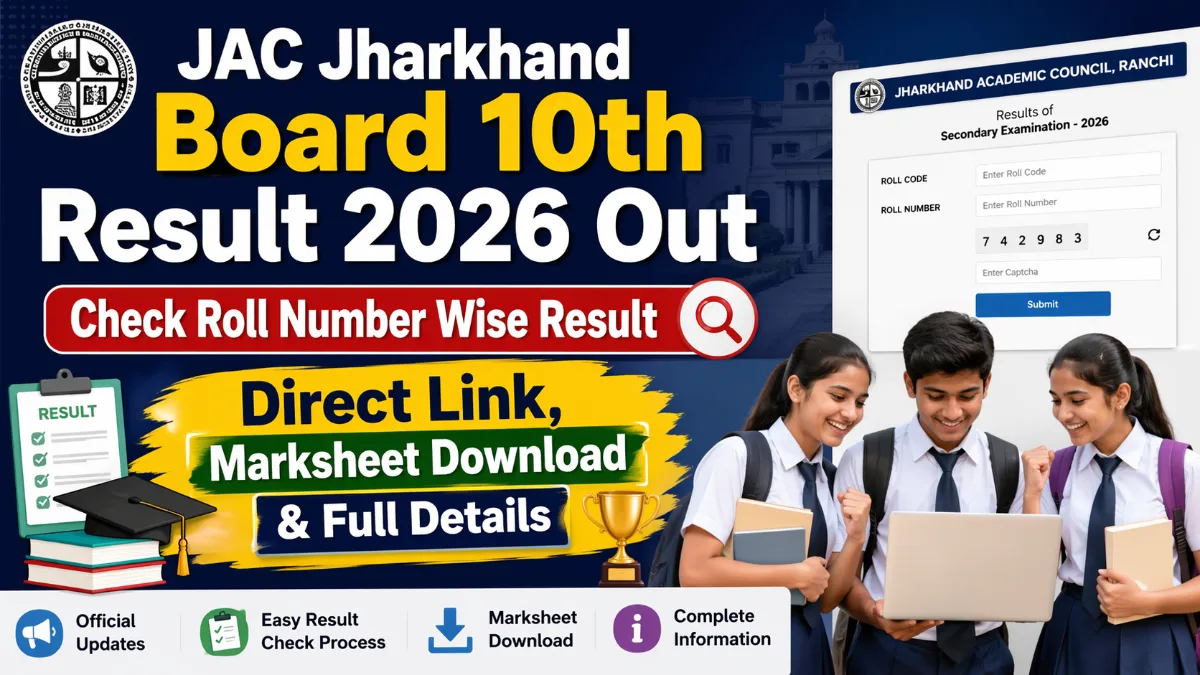
How to Check JAC Jharkhand Board 10th Result 2026 Online
Students can follow the simple steps below to check their result quickly.
Visit the official website jacresults.com.
Click on the “JAC 10th Result 2026” link available on the homepage.
Enter your Roll Number and Roll Code exactly as mentioned on your admit card.
Click on the Submit button.
Your result will appear on the screen.
Check all personal details and marks carefully.
Download the provisional marksheet.
Take a printout for future admission purposes.
Students should save a PDF copy instead of relying only on screenshots.
How to Download JAC 10th Marksheet from DigiLocker
Students can also use DigiLocker to download their digital marksheet.
Open the DigiLocker App or website.
Login using your registered mobile number.
Create a new account if you do not already have one.
Go to the “Issued Documents” or “Import Documents” section.
Select Jharkhand Academic Council from the board list.
Choose Exam Year 2026.
Enter your Roll Number and required details.
Submit the form.
Your digital marksheet will be available for download.
This marksheet can be used temporarily until the original copy is provided by the school.





Leave a Reply